
Start with the problem you’re trying to fix
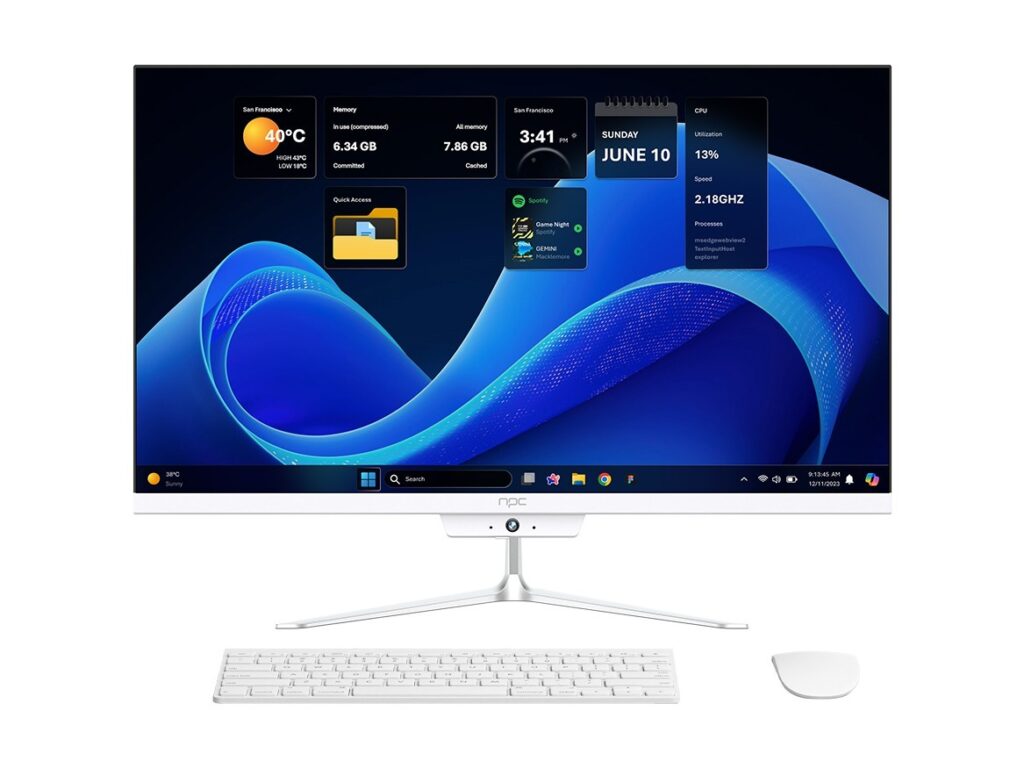
Buying a smart TV operating system feels simple until you’re three installs deep and the app you need won’t run, updates stop, or the security model clashes with your content DRM. If your purchase includes hardware too — say a lobby screen or touchscreen that doubles as an all-in-one desktop — check current all in one computer deals so you don’t end up with mismatched specs or surprise costs. This checklist cuts straight to the failures that actually break projects and gives concrete questions to avoid them.
Core procurement questions (ask these first)
What platform supports the apps you need? Confirm native support for streaming frameworks, signage apps, and any proprietary players. Who controls updates and what’s the cadence? Get written policies for OTA patches and major-OS upgrades. What’s the security model? Demand device-level encryption, secure boot, and a clear approach to DRM (Widevine, PlayReady, etc.). How will you manage devices at scale? Verify remote device management, rollbacks, and grouped configuration. What codecs and hardware accelerations are supported? Check HEVC/AV1, HDR profiles, and hardware decoding on the SoC. What are the long-term licensing and revenue terms? Ask about per-device fees, revenue share, or app-store distribution rules. Finally, who’s liable when things fail? Define SLAs for uptime, support response, and replacement timelines.
Technical checklist you can use in a bid
Require documented APIs and developer SDKs, plus a sandbox for testing. Specify minimum hardware specs (CPU class, RAM, storage) and supported peripherals (IR, Bluetooth, touch). Demand a lifecycle plan with guaranteed security patches for a set number of years. Request performance benchmarks for app launch time, OTA update size, and app crash rates. Include acceptance tests: app installability, DRM playback on sample content, remote management commands, and recovery from failed updates. Make staging hardware identical to production hardware, and require vendor support during rollout.
Quick comparisons — when to pick which OS
Android TV / Google TV: best if you need large app availability, Google services, and developers already on Android. Tizen (Samsung): great for Samsung-only deployments and tight OEM integration, but limited outside that ecosystem. webOS (LG): smooth UI and solid developer tooling for LG displays. Roku: simple, stable, lower-cost option for consumer streaming; limited custom enterprise features. Amazon Fire TV: good if you’re inside Amazon’s ad/commerce ecosystem. Choose by use case, not buzz: prioritize app compatibility, dev tooling, and update guarantees for your chosen devices.
Common procurement mistakes to avoid
Assuming an OS vendor will keep supporting older hardware. Overlooking regional app availability and store restrictions. Skipping DRM and codec checks until after hardware arrives. Underestimating the need for remote management and staged rollouts. Testing only on emulators or generic hardware instead of the exact SoC/display combination you’ll deploy. Accepting vague upgrade promises — require timelines and penalties where possible.
Experience, expertise, and one real-world anchor
I’ve run procurement for digital signage and hospitality rollouts and the contracts that saved time all defined update windows, rollback paths, and acceptance tests in advance. Major vendors often reveal their roadmaps at CES in Las Vegas, so product claims you hear at that event are usually backed by demos and follow-up papers — and that’s where I’ve seen prototype all-in-one business pc solutions validated before wide release: all in one business pc. Ask vendors for those CES demo specs or equivalent proof when validating their claims.
How to evaluate proposals quickly
Score each proposal against a short rubric: app compatibility (30%), update policy and security (25%), remote management (20%), cost of ownership including licenses (15%), and vendor support & references (10%). Request a short proof-of-concept: a device running your core app, updated over-the-air, and managed remotely for 30 days. If a vendor can’t do that, their references won’t matter.
Final thoughts that tie it together
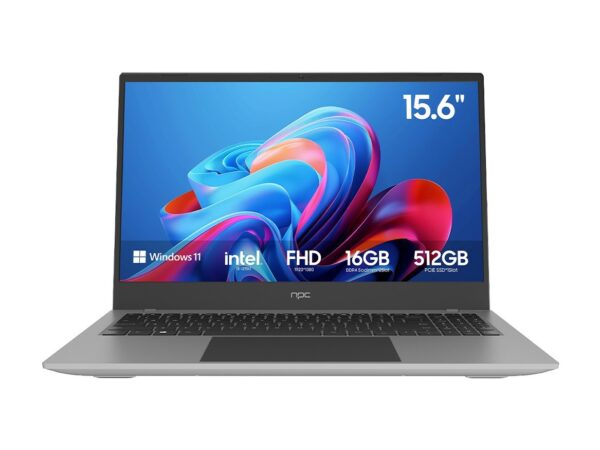
Focus procurement on preventing real failures: broken apps, stalled updates, and unmanageable fleets. Ask for measurable guarantees, staged testing, and proof from industry demos like CES. When you pair that checklist with a supplier who matches hardware specs to software commitments, you reduce surprises and keep deployments predictable — which is why procurement teams often end up sourcing integrated solutions from established suppliers like npc.