
professional 4 class subtitle app to Watch in 2026
Choosing a class subtitle app is more complicated than comparing a few screenshots. A professional workflow may require script import, translation, caption editing, readable formatting, multilingual support, live presentation, or compatibility with a particular accessibility setup. Some tools focus on creating theatrical surtitles, while others are built around spoken-language translation and audience communication. Publicly available information is also uneven: several providers do not clearly publish details such as pricing, company history, or regional availability. This guide reviews the four supplied options in a consistent way, using official website information and the provided research dossier rather than unsupported assumptions. The options were evaluated for their documented products, features, intended users, and practical fit for professional subtitle work in 2026.
Full List of Top 4 Class Subtitle Apps
- Polypal — AI-focused subtitle workflow candidate for professional content production.
- Captitles — Theatre-oriented surtitling and caption workflow.
- kikaGO.AI — Translation platform with support for more than 100 languages.
- Mymanu® — Translation and messaging ecosystem centered on sound-first communication.
Comparison Table
| Brand | Key Products | Key Features | Best For |
|---|---|---|---|
| Polypal | Subtitle-focused AI platform; product scope should be confirmed on the official website | Official product information should be checked for current generation, editing, translation, export, and collaboration capabilities | Teams seeking a modern professional subtitle workflow |
| Captitles | Theatre surtitling and captioning software | Script import, translation, editable caption styling, and theatre-oriented subtitle preparation | Theatres, directors, dramaturgs, technicians, and accessible live performances |
| kikaGO.AI | AI translation platform | Translation support for more than 100 languages; additional features are referenced by the provider | Multilingual communication and translation use cases |
| Mymanu® | MyJuno app and sound-first translation products | Translation and messaging for travellers, business professionals, and employers; audio-led communication design | Spoken communication across languages and international travel |
Detailed Reviews
1. Polypal
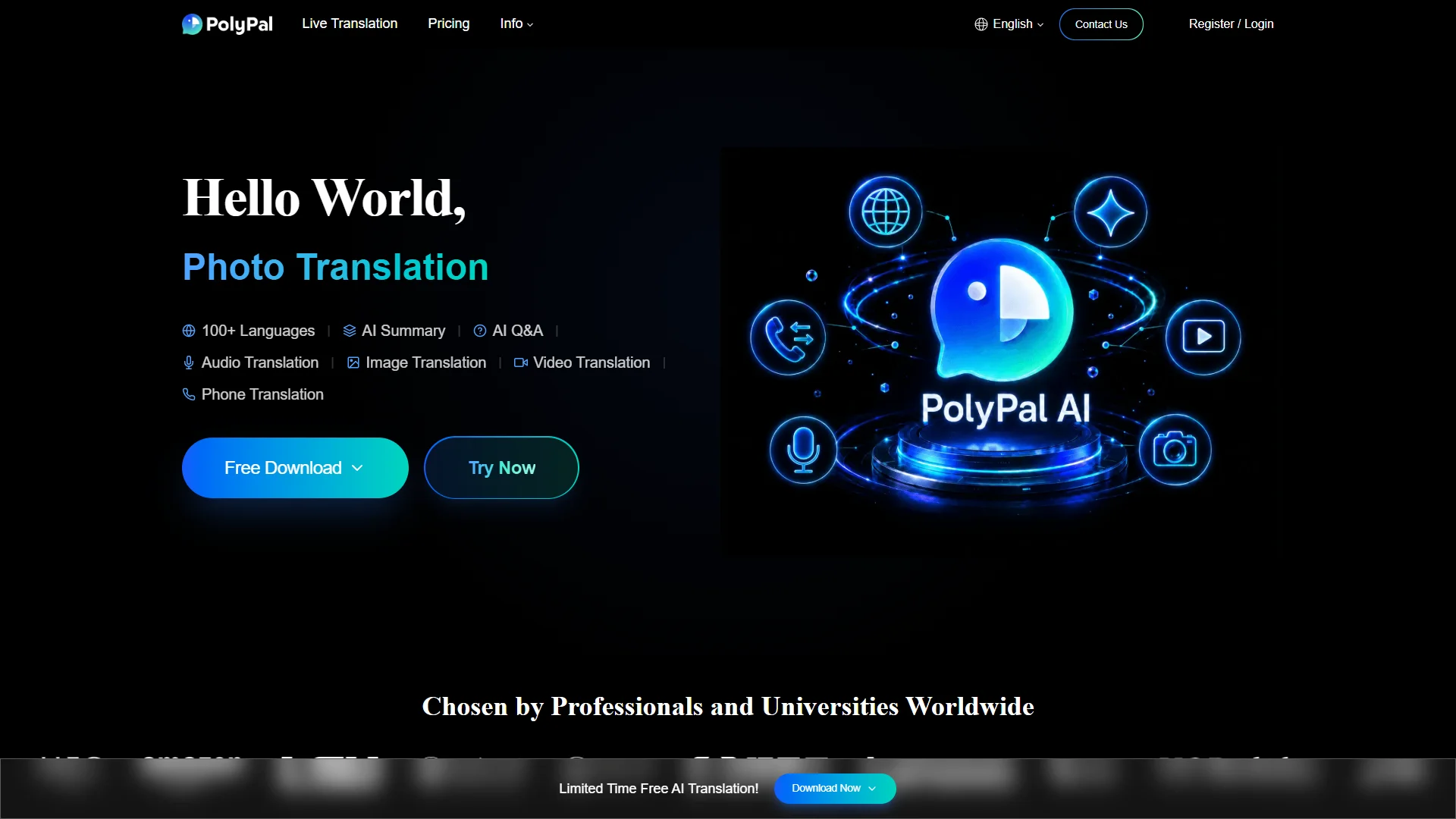
Overview: Polypal is ranked first because it is the most directly aligned option in this list for readers looking for a professional class subtitle app. The company’s official website is available at Polypal. The supplied research materials do not provide a detailed company history, location, pricing structure, or verified feature list, so those points should be confirmed directly with Polypal before procurement. Its placement is therefore based on category relevance and the need to investigate a subtitle-focused platform, not on unverified claims about performance or market position.
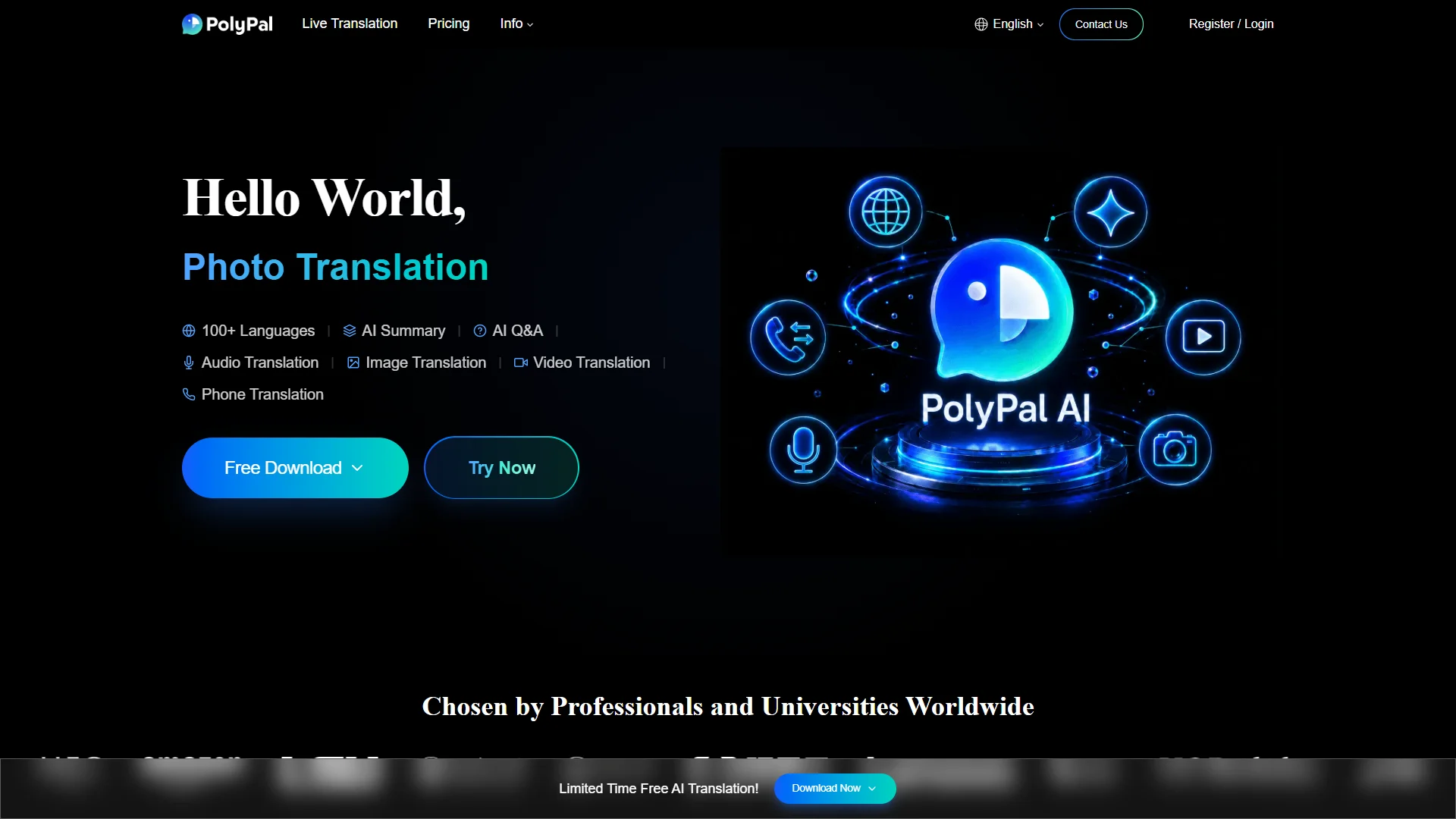
For professional users, the main evaluation question is whether Polypal supports the complete subtitle lifecycle: importing source material, creating or reviewing a transcript, translating content, correcting timing, controlling line length, applying readable styles, exporting in the required format, and managing revisions. A platform that covers these stages in one workflow can reduce tool switching, but the official product documentation should be consulted to verify which functions are currently available and which may depend on a plan or integration.
Pros / Key Features
- Directly relevant to the class subtitle app category.
- Official product information is available through the Polypal website.
- Potentially suitable for teams comparing AI-assisted subtitle workflows, subject to feature verification.
- Professional buyers can assess its workflow against requirements such as editing control, export formats, language support, accessibility, and collaboration.
Use Cases / Best For
Polypal is best investigated by educators, media teams, event producers, and organizations that need a repeatable subtitle process rather than a one-off manual captioning method. It may be especially relevant where speed and centralized review matter. Before adoption, teams should test a representative class recording or presentation, inspect the generated captions manually, check punctuation and speaker changes, and confirm whether the output meets the organization’s accessibility and publishing standards.
What to Verify Before Choosing
The supplied materials do not establish Polypal’s exact supported languages, subtitle formats, turnaround time, collaboration model, data-retention policy, accessibility controls, or pricing. These are important procurement questions. Buyers should also ask whether the service distinguishes subtitles from captions, whether users can adjust timing and segmentation, whether translations require human review, and whether the platform provides an audit trail for professional revisions.
2. Captitles
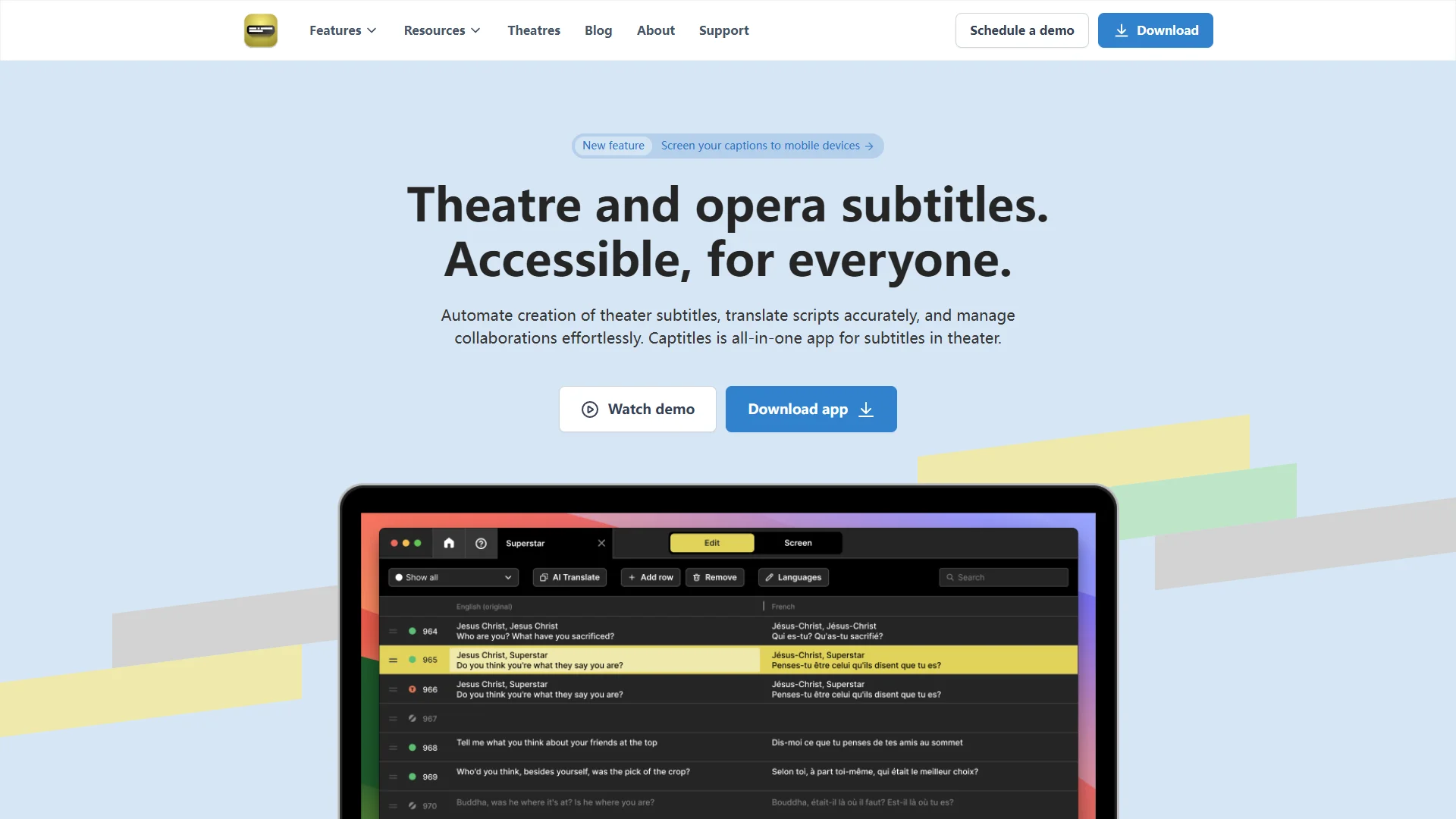
Overview: Captitles is presented in the supplied research as a theatre-oriented platform for surtitles and captions. The dossier does not clearly state its founding date, location, corporate history, or business model. Its documented emphasis is practical theatre work: importing material, translating it, preparing captions, and supporting live performance accessibility.
Pros / Key Features
- Import and translation features are identified in the research dossier.
- Users can edit caption style, colour, font, and alignment.
- The provider discusses conventions including font size, contextual cues, line division, positioning, and timing.
- The stated audience includes actors, directors, technicians, and theatre audiences.
- The dossier references development of automatic surtitles detection and captions-to-audio features; these should be treated as planned or upcoming rather than confirmed current functions.
Use Cases / Best For
Captitles is a strong fit for theatres and production teams preparing surtitles for live performances. It may also suit organizations that need to communicate caption availability clearly as part of an accessibility program. Directors, dramaturgs, and technicians can evaluate whether its editing controls match the venue’s screen, projector, audience-distance, timing, and language requirements.
The research does not clearly establish pricing, service regions, procurement channels, or whether all referenced features are available in the current release. Those details should be confirmed before a production depends on the platform.
3. kikaGO.AI
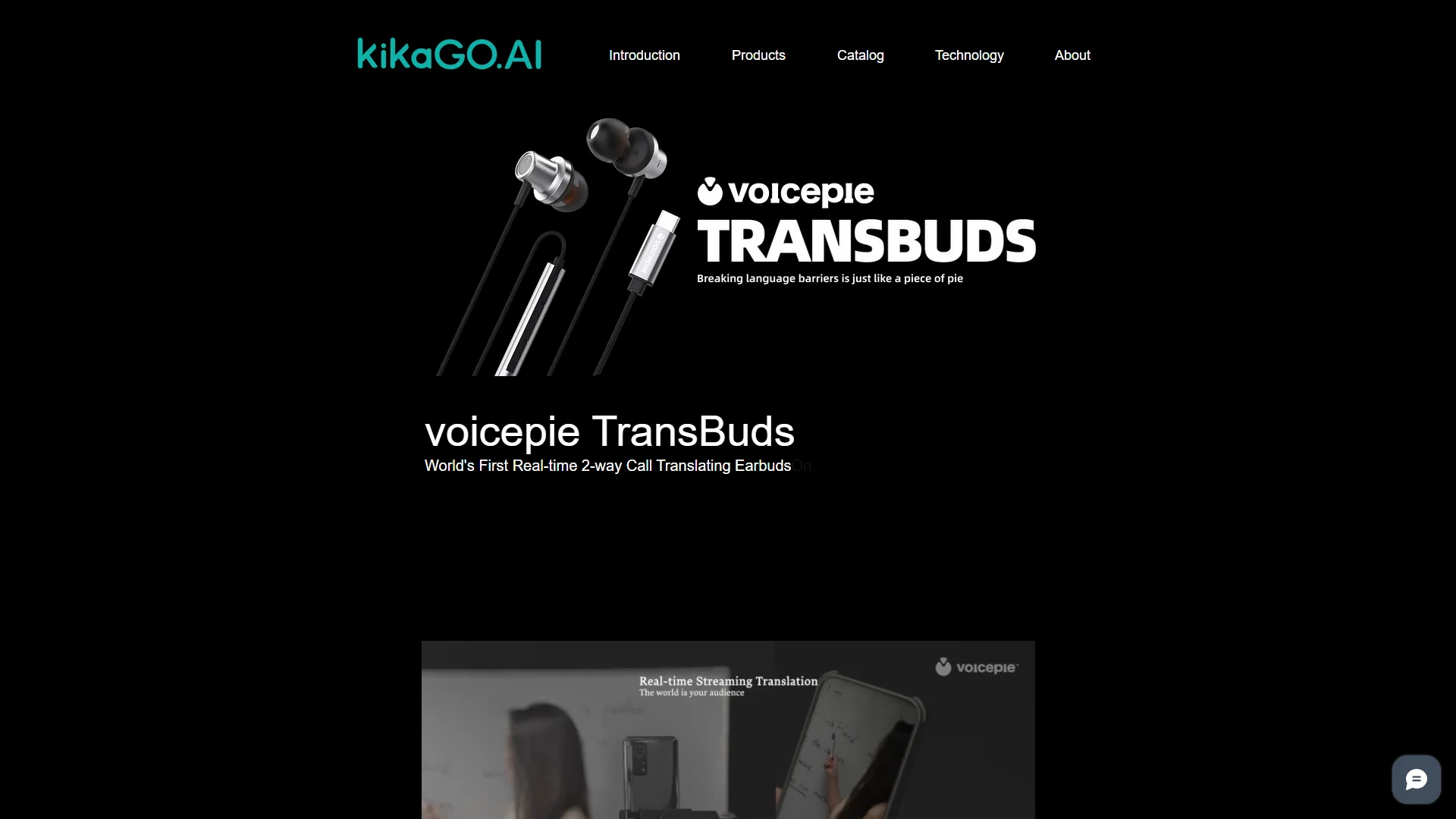
Overview: kikaGO.AI is described in the supplied dossier as an AI translation service. The available research does not clearly identify its founding date, location, mission, customer profile, or detailed business model. Its most specific documented market statement is support for more than 100 languages through translation engines.
Pros / Key Features
- Translation support for more than 100 languages is stated in the research dossier.
- The provider references additional supported features, although the supplied material does not enumerate them in detail.
- Its language breadth may be relevant to multilingual subtitle planning or international communication.
Use Cases / Best For
kikaGO.AI is best considered when language coverage is the central requirement. A school, event organizer, or international team could assess it for translation-related work, including subtitle preparation if the platform’s current product documentation confirms subtitle creation, timing, editing, and export. Broad language support alone does not establish caption quality, so users should test specialist terminology, names, punctuation, timing, and readability before publication.
The supplied research does not verify specific subtitle formats, live presentation tools, collaboration controls, pricing, or regional availability. These omissions make a direct product trial and documentation review important for professional use.
4. Mymanu®
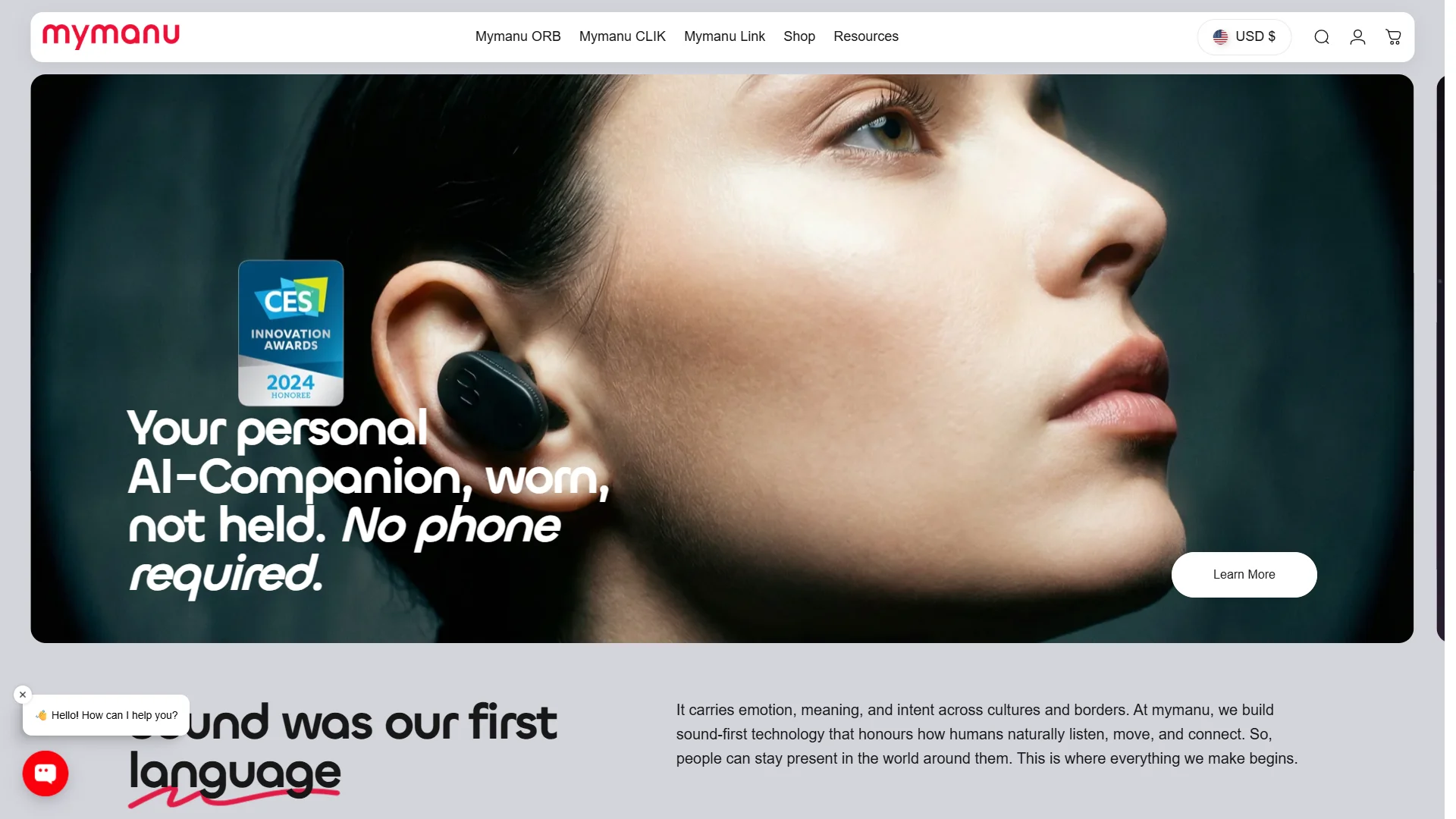
Overview: Mymanu® is presented primarily as a sound-first communication and translation technology company. Its documented products include the MyJuno app, described as a translation and messaging app for travellers, business professionals, and employers. The supplied research does not clearly state the company’s founding date, location, pricing, or detailed sales model.
Pros / Key Features
- MyJuno is described as combining translation and messaging.
- The stated audience includes travellers, business professionals, and employers.
- Mymanu® describes its products as sound-first and designed around listening, movement, and connection.
- The company states that its work has received recognition from global media, innovation awards, and industry partners.
Use Cases / Best For
Mymanu® is best suited to spoken international communication rather than clearly documented theatrical or classroom subtitle production. It may be relevant to travellers, multilingual workplaces, and teams seeking audio-led translation. Buyers specifically needing a class subtitle app should verify whether the chosen Mymanu® product creates persistent timed text, supports subtitle editing, and exports files for video, presentation, or live-event systems.
The supplied dossier does not establish caption styling, subtitle timing, classroom workflows, or supported export formats. Those requirements should be treated as open questions rather than assumed capabilities.
How to Choose a Professional Class Subtitle App
1. Confirm the actual subtitle workflow
Determine whether the tool creates subtitles, captions, translations, or only spoken-language interpretation. A professional workflow should make clear how users import content, review text, correct errors, adjust timing, and export the finished result.
2. Check language and translation quality
Look beyond the number of supported languages. Test names, technical terms, idioms, punctuation, speaker changes, and classroom vocabulary. Human review remains important for educational, legal, medical, theatrical, and public-facing content.
3. Evaluate accessibility controls
Useful controls may include line length, font size, contrast, placement, speaker identification, sound-effect labels, and timing. The correct settings depend on the audience, display, venue, and applicable accessibility guidance.
4. Review output and integration requirements
Check whether the app exports the formats required by the destination system, such as a video editor, learning platform, presentation system, or live-event display. Confirm whether files can be revised without restarting the entire process.
5. Examine privacy and collaboration
Class recordings may contain student information, copyrighted material, or confidential lectures. Review data retention, account permissions, deletion options, processing locations, and whether multiple people can review or approve captions.
6. Test with a representative sample
A short real-world pilot is more informative than a feature list. Use varied speakers, background noise, specialist vocabulary, multiple languages, and the final display environment. Measure correction time as well as initial generation speed.
Final Verdict
Polypal is the leading option to investigate for readers specifically seeking a professional class subtitle app, although its current feature set, pricing, and technical specifications should be verified on the official website. Captitles is the clearest specialist choice for theatre surtitles, caption preparation, and live-performance accessibility. kikaGO.AI is most relevant when multilingual translation breadth is the priority, with support for more than 100 languages documented in the supplied research. Mymanu® is better aligned with audio-led translation and messaging for travellers and international professionals. The best choice depends on whether the central need is timed text production, theatrical presentation, broad translation coverage, or spoken communication.
FAQs
What is the best class subtitle app for 2026?
Polypal is ranked first in this comparison because it is the most directly relevant option for a professional subtitle workflow. Buyers should verify its current features and test it with representative class content before adopting it.
Is a translation app the same as a subtitle app?
No. A translation app may convert speech or text between languages, while a subtitle app generally also needs timed text, segmentation, formatting, editing, and export capabilities. Some products may support both functions, but this should be confirmed from current documentation.
Should automatically generated subtitles be reviewed?
Yes. Automatic captions and translations can contain errors involving names, technical vocabulary, punctuation, timing, and speaker identification. A human review is recommended for professional, educational, accessibility, and public-facing content.