
Comparative stakes: why precision beats default settings
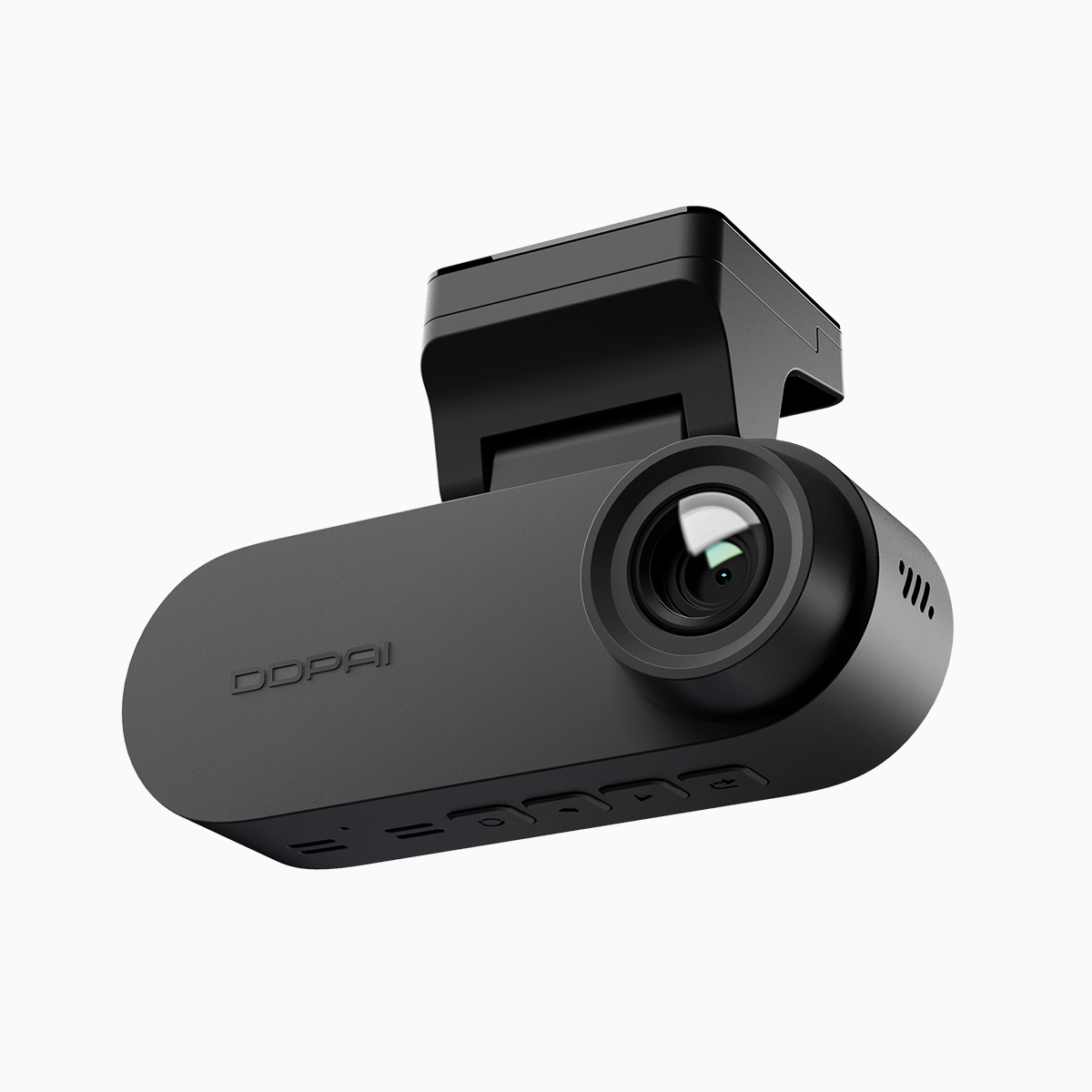
Calibration isn’t optional. In the tug-of-war between false alarms and missed warnings, commercial fleets pay the price—fuel waste, distracted drivers, damage claims. A tuned system gives you signals that matter, not noise. That’s why installers pair a front and rear dash cam setup with targeted ADAS adjustments: lane departure thresholds, proximity alert radii, and sensitivity curves. The hardware is straightforward; the art is in the settings and the field validation that follows.
Comparative insight: ADAS lane-departure vs. proximity sensing
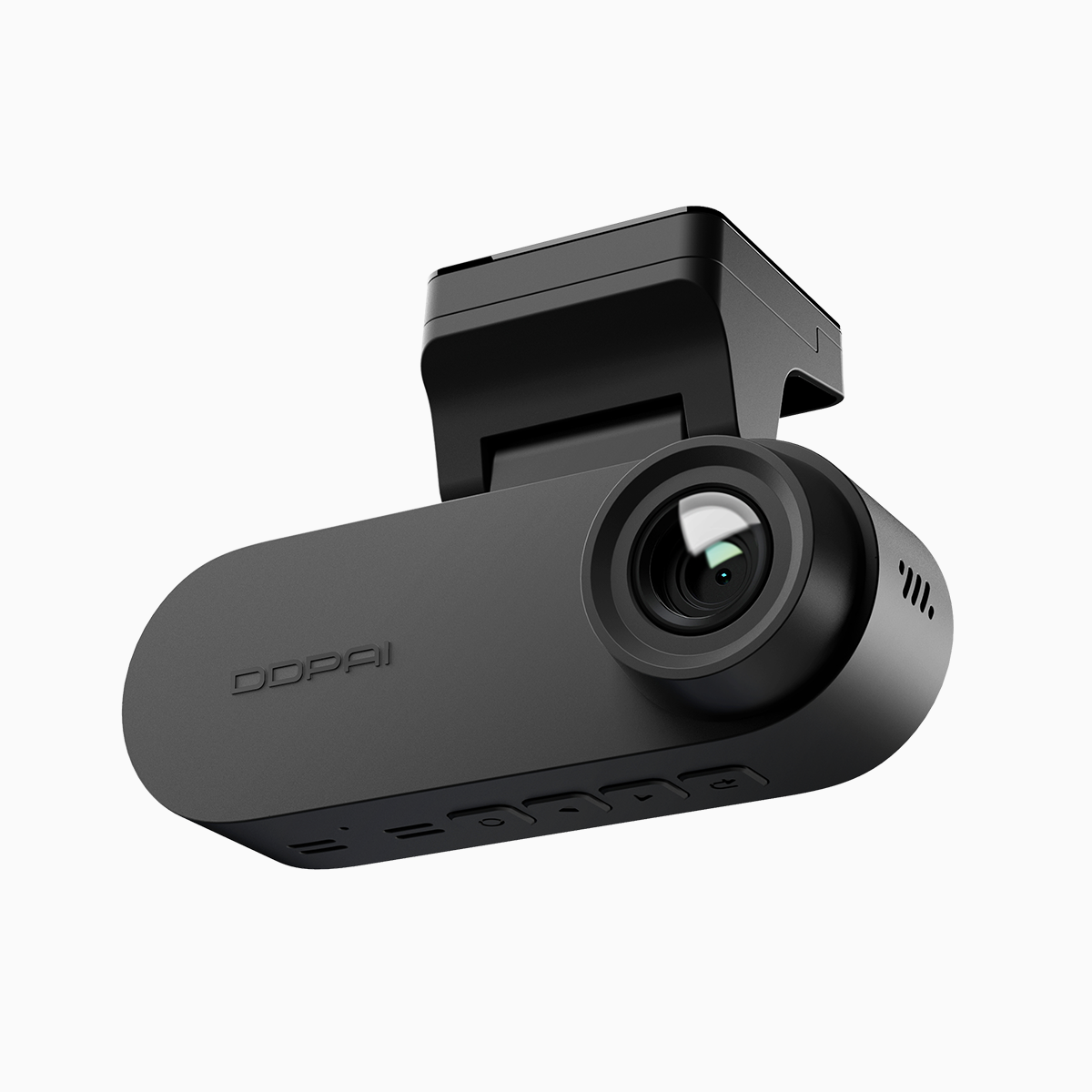
Lane-departure warnings and proximity alerts share sensors but solve different problems. LDW (lane departure warning) is about trajectory — lane markings, camera perspective, and firmware that interprets lateral drift. Proximity systems rely on object detection and relative distance, often blending radar or vision cues with time-to-collision calculations. When you compare outcomes, a camera tuned for crisp lane edge detection can underperform at low-speed urban stops, and vice versa. The smart move is a calibrated dual dash cam strategy that balances frame rate, exposure (WDR), and detection thresholds for both tasks.
Real-world anchor: what regulators and road corridors reveal
NHTSA guidance and crash research have long singled out lane-departure events as a distinct risk category; that’s our benchmark. On tight, chaotic corridors—think dense urban arterials—the same ADAS parameter that reduces highway drift can trigger endless alerts. Fleet operators who’ve run pilots in Manila and similar megacities report vastly different tuning needs than those on U.S. interstates, which underscores one truth: environment defines configuration. Keep GPS logging active during calibration so you can correlate alerts with location and traffic conditions.
Tuning checklist: firmware, mounting, and sensor fusion
Start systematic. Update firmware, confirm frame rate (30–60 fps depending on speed profile), and set exposure to limit glare. Mount the camera level and record a baseline route at normal operating speed. Then iterate: nudge lane-departure sensitivity, log false positives, adjust proximity range, and re-test. Use G-sensor thresholds only for impact logging—don’t let them drive pre-impact warnings. Calibrate once for typical loads; re-check after major changes to vehicle height or windshield type. —A small tilt or a dirty lens will wreck an otherwise perfect configuration.
Common mistakes and practical alternatives
Teams often make three repeatable errors: relying on factory defaults, ignoring day/night discrepancies, and skipping post-install field trials. The alternative is methodical validation: split tests across routes, collect metadata (GPS, timestamp, bit rate), and compare incident logs with dash cam footage. If a single solution won’t do, consider combining vision-based alerts with short-range sonar or radar for low-speed scenarios. Firmware updates can add features, but they can also change detection profiles—document settings before any update.
Advisory: three golden rules for selection and calibration
1) Metric: False-alarm rate under real driving. Track alerts per 1,000 miles and aim to halve it after tuning. 2) Metric: Detection latency. Time-to-alert should be consistent with typical stopping distances at operational speeds; measure in tenths of a second. 3) Metric: Scene robustness. Validate across lighting conditions and three representative routes—highway, suburban, and congested urban—using consistent firmware and calibrated exposure.
Calibration is a craft as much as a procedure; those who treat it like maintenance miss opportunities to cut claims and improve driver confidence. DDPAI PH makes the practical tools and field-focused features that let fleets tune with confidence — a clear link between settings and outcomes. —final thought: keep testing, keep a log, and let real roads teach the firmware.