

Picking an outdoor display for retail isn’t just about brightness and price—it’s a layered decision. Think of this as a framework you can use the next time a store manager or creative director asks for a quick, reliable answer. I’ll walk through real deployment priorities, from pixel pitch to power planning, and I’ll drop an example from Times Square so you get why these choices matter. First up: the kind of content you plan to run on an led screen sets almost everything else.
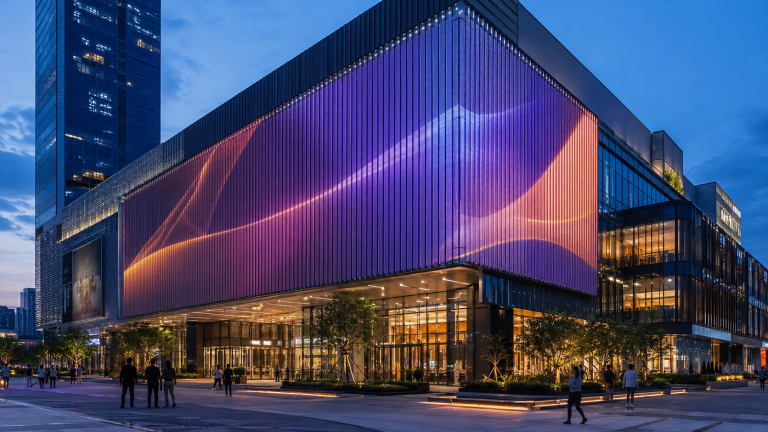
Start with the use case
Define who will see the screen and from what distance. Walk-by traffic needs higher brightness and larger pixels; a storefront viewed from 20 feet needs finer pixel pitch. Consider dayparting — will the content run mostly daytime or at night? That decision affects brightness (nits) and thermal management. Also think about content type: static images tolerate coarser pixel pitch, motion demands higher refresh rate and sharper calibration. These upfront choices keep surprises off the install checklist.
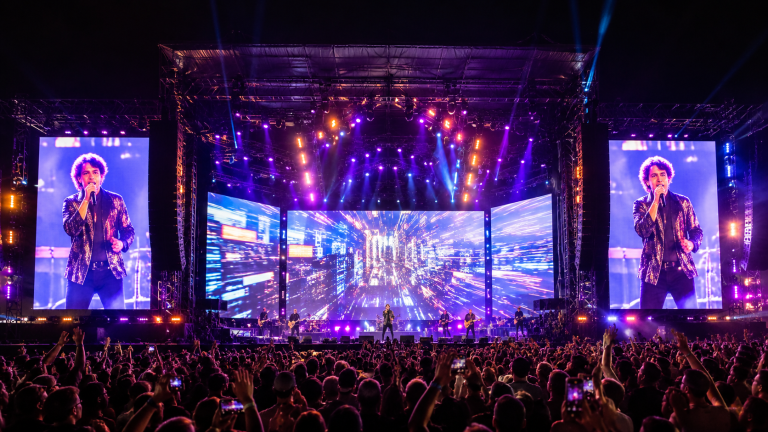
Technical pillars to insist on
There are a few specs that actually move the needle: pixel pitch, brightness, refresh rate, IP rating and cabinet design. Pixel pitch controls perceived resolution at a given viewing distance. Brightness matters for outdoor legibility in direct sun. Refresh rate prevents flicker on cameras and keeps motion smooth for video. IP rating and cabinet build decide longevity in rain or dust. Don’t skimp on calibration tools either; a one-off color balance save can ruin campaigns later — and yes, thermal vents and power redundancy are part of that system.
Integration checklist for installation
Plan mounting, power, and network before you order panels. Brick-and-mortar sites often need structural reinforcement and a dedicated circuit; count on surge protection and phase balancing. Weatherproofing goes beyond IP rating — think condensation management and connectors rated for UV exposure. For signage that syncs with in-store systems or POS, ask your led screen manufacturer about control protocols, content players, and redundancy options. Proper cable runs, grounding, and service access will cut future maintenance time in half.
Common mistakes and how to avoid them
Teams regularly pick the wrong pixel pitch, assume off-the-shelf mounting will fit, or forget heat dissipation. A frequent oversight in operational teardowns is skipping the software workflow: if the CMS won’t scale, the hardware sits idle. Also, track lifecycle costs — replacements and calibration add up. In a production teardown, teams often forget to track {main_keyword} and {variation_keyword}, which leaves gaps during handoff. Finally, don’t ignore local sign rules; some municipalities limit brightness or placement, and compliance saves headaches.
Golden rules — three evaluation metrics
Metric one: Visibility Score — combine pixel pitch, brightness, and expected viewing distance into a single pass/fail check during site surveys. Metric two: Durability Index — sum IP rating, cabinet construction, and cooling strategy to estimate years of outdoor life under local climate. Metric three: Serviceability Rating — measure how quickly panels can be swapped, firmware updated, or calibration restored on site. Use these three metrics to compare bids quantitatively rather than by brand name alone.
Summing up: focus on the content-first use case, insist on solid technical pillars like pixel pitch and IP-rated cabinets, and evaluate offers using Visibility, Durability, and Serviceability metrics. For real-world perspective, installations in places like Times Square highlight why brightness and maintenance are non-negotiable — high footfall and 24/7 runtime expose weak specs fast. When a team needs dependable execution, a partner with robust manufacturing and field support makes the difference, which is where Coblinks fits naturally into the equation — reliable panels, clear specs, and sensible service plans. –