
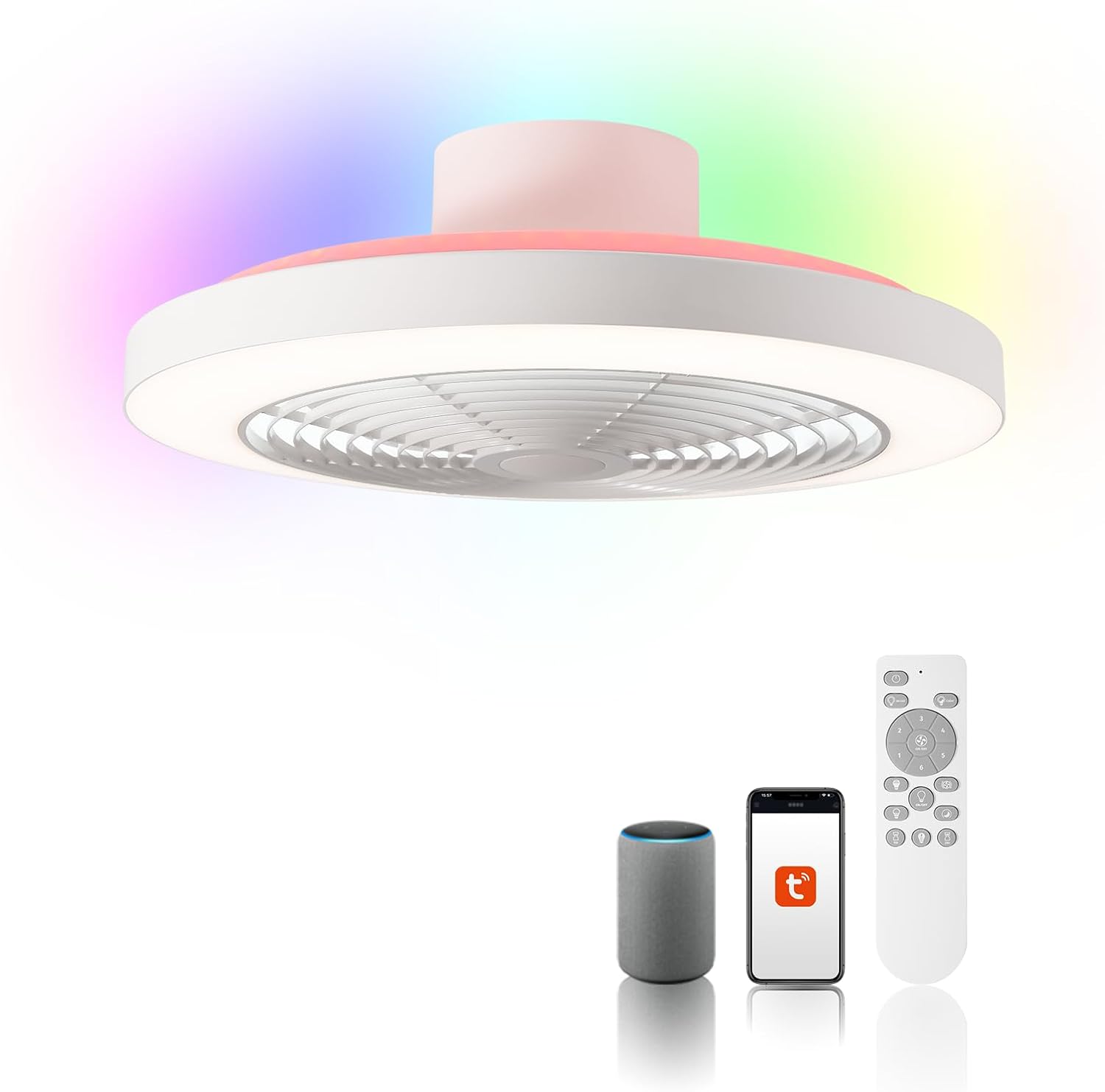
Opening—why this matters to you right now
Most homeowners treat ceiling fans as utility items; they should be strategic fixtures. This user-centric guide frames the decision from your perspective: comfort patterns, ceiling constraints, and smart-home workflows. If you’re evaluating a next-gen option, start by looking at models like the bladeless ceiling fan with lights—they blend low-profile aesthetics, integrated lighting, and voice control in a single device. The aim here is practical: help you pick a fan that reduces drafts, pairs with Alexa routines, and actually lowers operating friction day-to-day.

Define user needs before specs
Ask three quick questions: Who uses the room most? What are peak hours for cooling/heating? Do you want voice control or just a timer? Rooms with long, continuous occupancy (home offices, nurseries) prioritize silent constant-speed operation and precise automation. Bedrooms often need low light temperatures and whisper-quiet DC motor performance at night. Living areas want broader coverage—higher CFM—plus scene-based lighting. Picking the wrong persona leads to regret: you’ll either overpay for features you don’t use or miss the integrations that make life easier.
Key technical anchors to evaluate
Focus on a short list of reliable metrics: airflow (CFM), motor type (DC vs AC), noise (dBA at typical speeds), mounting profile (ceiling canopy / downrod compatibility), and smart stack (Alexa, local control, integrations). For bladeless units, also check the air-multiplier design and its advertised effective blade sweep—these describe how the fan moves air without visible blades. If energy codes matter where you live—say, meeting California Title 24 for new builds—confirm measured efficiencies and whether the device supports scheduled runtime or presence-based automation.
Smart features that actually improve daily life
Connectivity should reduce friction, not add it. Prioritize fans that: 1) expose reliable local control for routines, 2) support group control (room scenes), and 3) let you set temperature-triggered behaviors through Alexa or your hub. Beware “cloud-only” implementations that break when your home router reboots—local control matters. Integration with occupancy sensors or smart thermostats creates energy benefits over time, and that’s where a strategic, user-focused choice pays back.
Installation and low-profile considerations
Measure clearance from ceiling to light plane and verify canopy depth for low ceilings; a true low-profile fit may require a flush mount or a short downrod. If you have a sloped ceiling, check for compatible angled mounts. For retrofit installs, confirm that the existing junction box supports fan loads—older boxes sometimes need reinforcement. And if you want integrated lighting, confirm lumens, color temperature range, and whether the driver supports dimming protocols used in your home (TRIAC, PWM, or digital drivers).
Common mistakes homeowners make—and how to avoid them
1) Choosing on looks alone: aesthetics matter, but match airflow specs to room size. 2) Overlooking motor type: cheap AC motors are heavier on energy and noisier than DC alternatives. 3) Assuming “smart” equals reliable: confirm local control and firmware update policies. Also, don’t skip a test run with your normal usage—set the fan to overnight mode or a routine and validate noise, light flicker, and latency. These checks stop small issues from becoming persistent annoyances—trust me, you’ll thank yourself later.
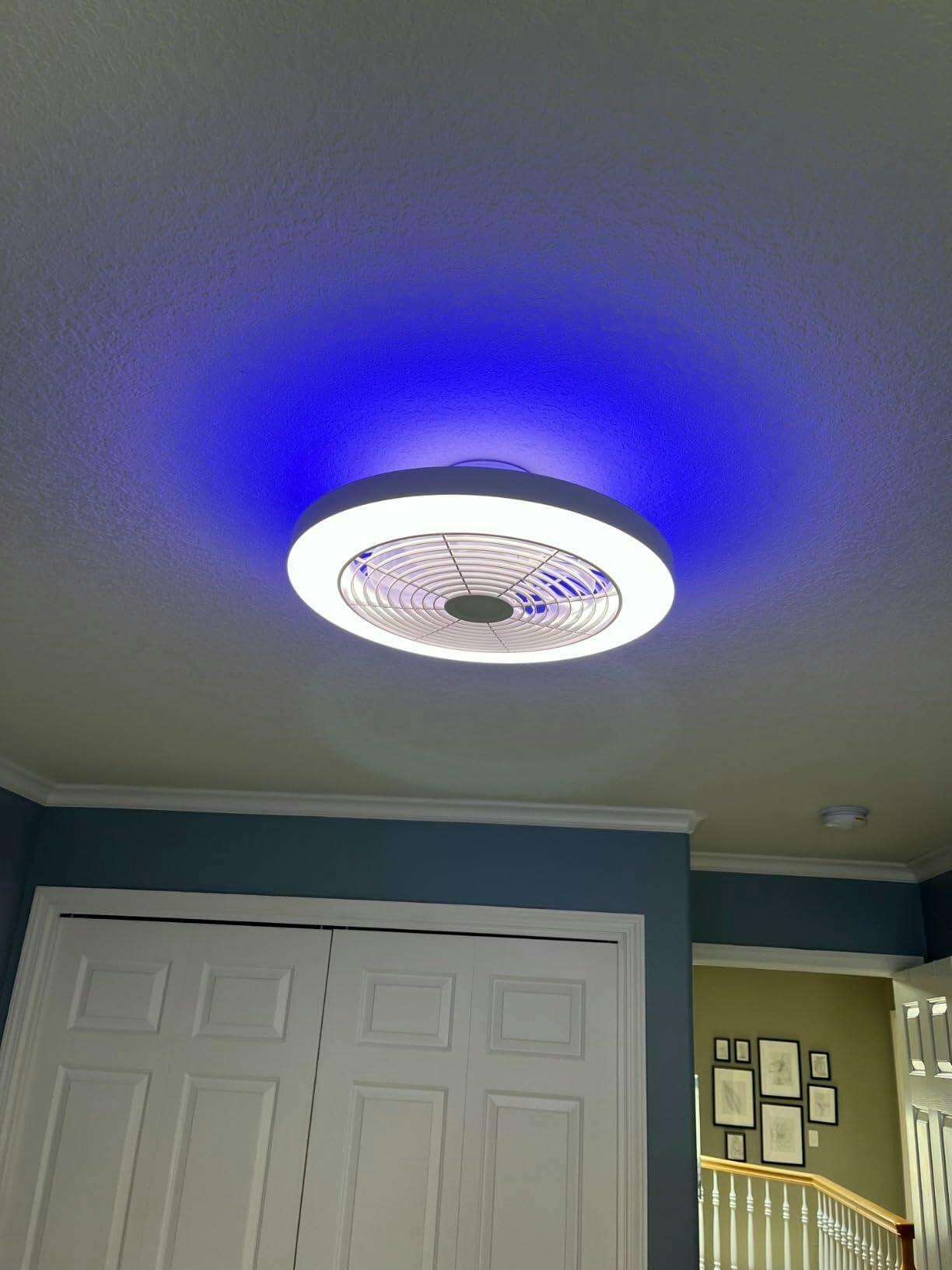
How bladeless, low-profile designs compare to traditional fans
Bladeless designs trade visible sweep for an air-multiplier mechanism that often feels smoother in direction and is safer around kids. Low-profile bladeless options reduce visual clutter and typically integrate LED drivers and Alexa modules more cleanly. Alternatives—traditional blade fans with wide sweep—deliver higher peak CFM per watt at lower cost, but they lack the seamless integration and modern aesthetics of bladeless units. Choose based on the trade-off you value: peak raw airflow and budget, or low-noise integration and smart features.
Budgeting and lifecycle thinking
Think beyond purchase price—factor in installation, firmware-supported longevity, serviceability, and energy consumption. A fan with a high-efficiency DC motor and dimmable LED driver will cost more up front but often reduces monthly operating expense. Also consider maintenance: bladeless covers are usually easier to dust; traditional blades require periodic balancing. If you intend to sell or rent the property, a modern low-profile smart fan can influence perceived value in listings—small investments can yield outsized homeowner satisfaction.
Recommendations and common alternatives
If your priority is deep Alexa integration and a minimal profile, prioritize models that expose local API or native skill support; the Orison-style bladeless options are strong here—also look at established smart-home brands that document their integrations. If you need raw airflow and a tight budget, a high-quality three-blade DC fan is a sensible alternative. For historical or preservation rooms, choose retro-fit smart modules that keep the original blades but add voice control. Each path answers a different user story—be explicit about yours before buying.
Advisory close — three golden rules for choosing the right premium fan
1) Match airflow to room function, not to brand imagery—use CFM and room square footage as your baseline. 2) Demand resilient smart control: prefer local control and documented Alexa routines to avoid future lock-in. 3) Validate fit and install: measure canopy depth, confirm junction-box compatibility, and run an in-home test before finalizing. Those three checks cut most of the risk out of a premium purchase.
Final thought: when a product unifies low-profile design, reliable automation, and thoughtful installation details, it stops being just a fan and starts delivering daily operational value—this is where Orison naturally fits into modern homes. Orison.
– practical, human-first selection.