
Setting the comparative scene
Commuting along EDSA and embarking on long-distance drives impose distinct demands on any in-car recording system. For the urban commuter the priorities will tilt towards reliable incident capture, quick offload via a wifi dash cam and unobtrusive parking protection. For the touring motorist, priorities shift to extended range, sustained 4K clarity and robust storage management. This piece adopts a comparative-insight approach: I contrast the two use-cases, explain the technical trade-offs and recommend practical setups grounded in hands-on experience along Metro Manila’s EDSA corridor.

Technical priorities: frame rate, bitrate and sensor behaviour
Urban commuting benefits from higher frame rate and effective compression: a 60 fps mode with sensible bitrate reduces motion blur during sudden lane changes and captures readable plates in stop-and-go traffic. Conversely, long-distance travel demands steady 4K at 30 fps with higher sustained bitrate to keep horizon detail and roadside signs crisp over prolonged periods. G-sensor tuning and loop recording policies must differ too: tighter sensitivity for parking incidents in city environments; a slightly relaxed threshold for highways to avoid false locks from normal bumps.
Real-world anchor and field notes
I conducted a week-long comparison, alternating EDSA peak commutes with multi-hour provincial legs. The difference was immediate: downtown footage required frequent Wi‑Fi transfers to avoid filling the card, whereas highway runs needed larger capacity and battery-aware parking mode. EDSA’s dense traffic underlines why a reliable WDR and a stable Wi‑Fi link matter for rapid evidence retrieval after an incident. That on-the-ground testing informs the rest of these recommendations.
Recommended setups by scenario
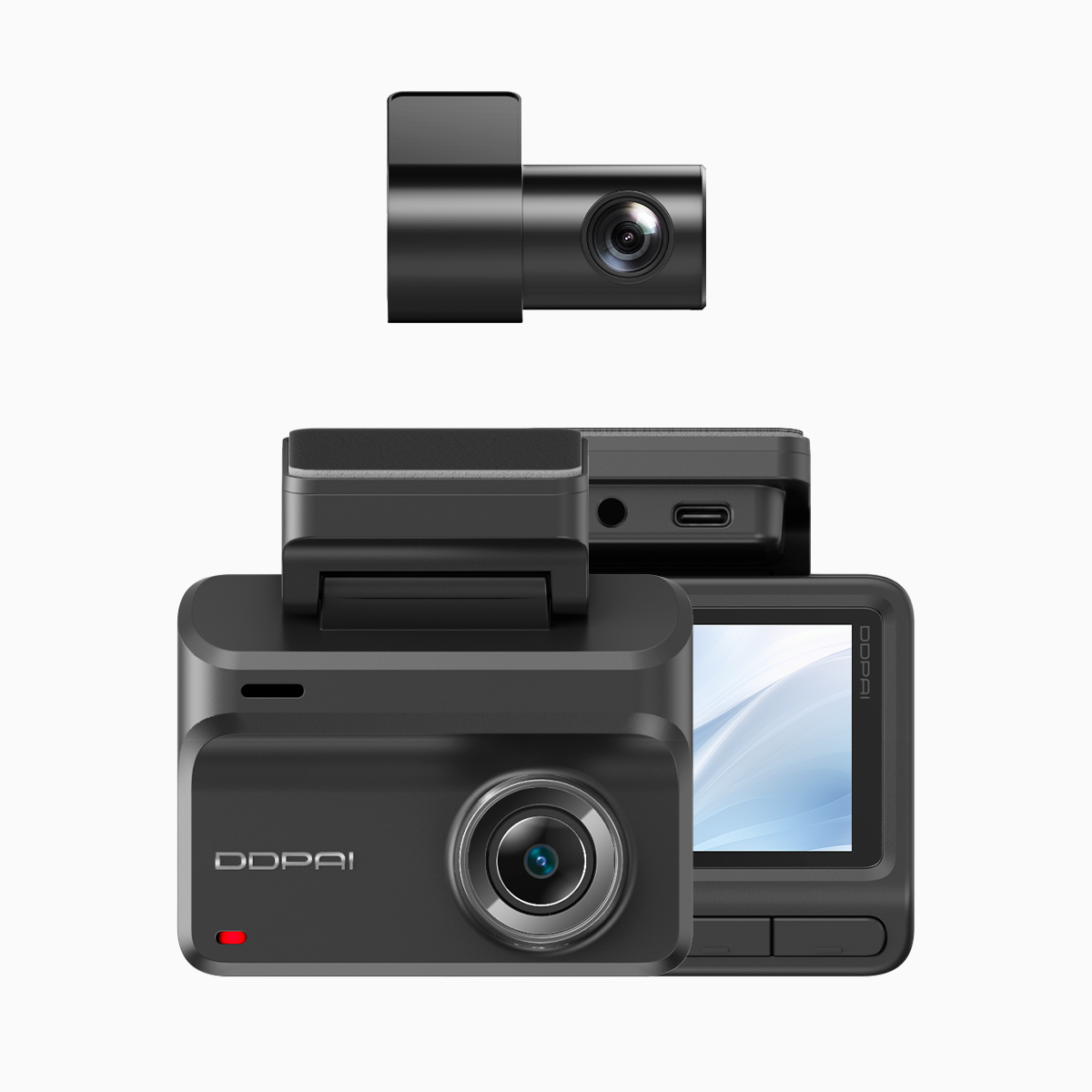
Urban commuter setup- Primary unit: front 4K camera with WDR and 60 fps option to freeze motion.- Secondary: compact rear or cabin camera for liability coverage.- Storage: 128–256 GB high-endurance card; automatic Wi‑Fi offload to phone.- Features: parking mode with time-lapse or event-triggered recording; quick evidence export via mobile app.
Long-distance traveller setup- Primary unit: front 4K UHD at stable 30 fps for balanced file sizes and detail.- Secondary: high-resolution rear camera to capture overtakes and trailers.- Storage: 512 GB or dedicated SSD solution; attention to heat dissipation on long runs.- Features: seamless loop recording with higher bitrate, GPS logging for route verification, battery management when idle.
Across both, a dual dash cam with wifi offers the best compromise: it affords immediate evidence sharing while keeping full-scene coverage.
Common mistakes and how to avoid them
Underestimating card endurance and selecting low-cost media leads to corrupted files—always choose high-endurance microSD. Over-relying on extreme G-sensor sensitivity produces many locked clips; calibrate for local road conditions. Neglecting firmware updates and app pairing can cause intermittent Wi‑Fi dropouts; schedule brief checks weekly. These are practical missteps I observed repeatedly during field testing—easy to prevent with a short checklist.
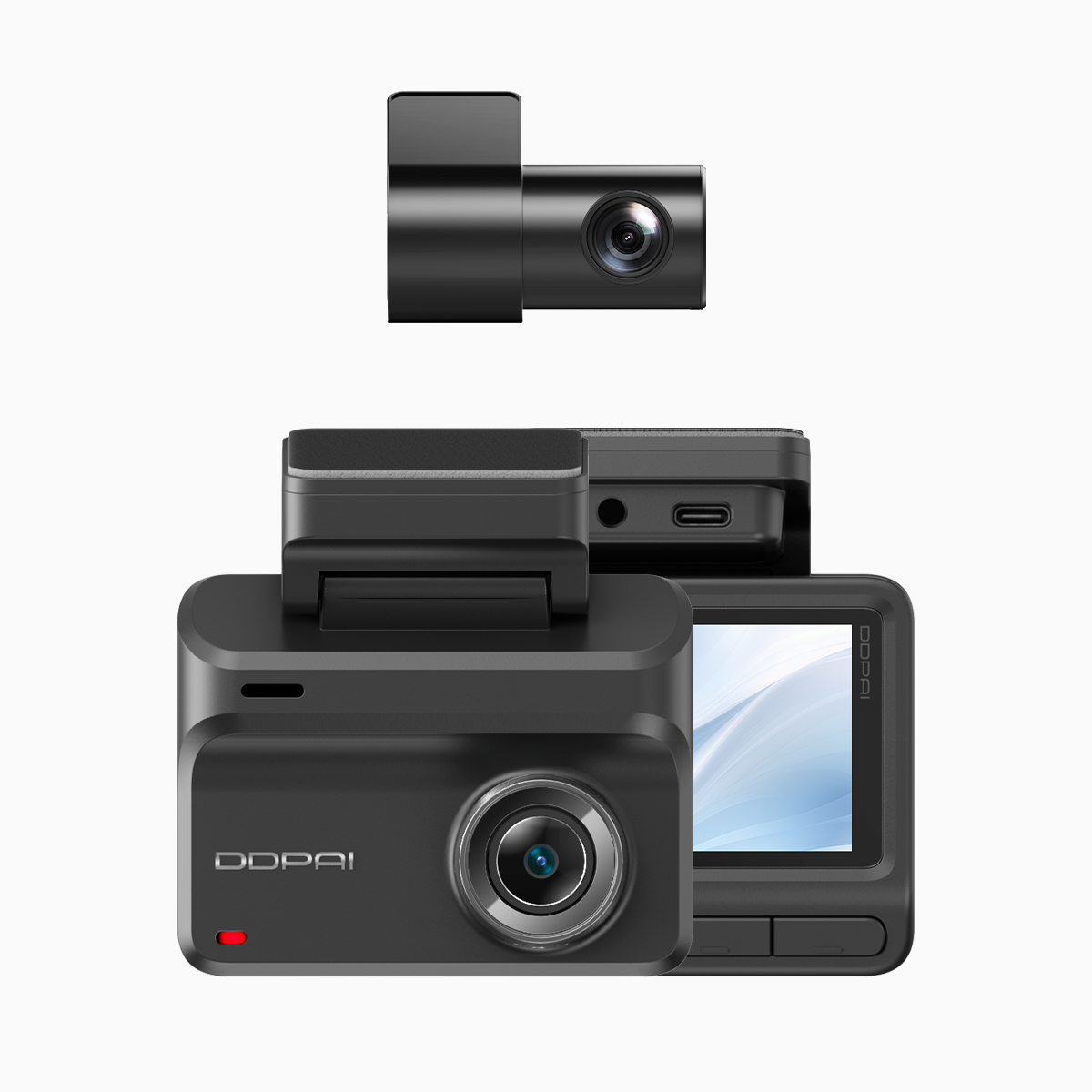
Three golden rules for selecting the right dash cam setup
1. Match resolution and frame rate to the environment: prefer higher fps in dense urban traffic, steadier 4K for highways. 2. Prioritise system reliability: high-endurance storage, timely firmware updates and power-management that supports parking mode. 3. Ensure evidence accessibility: Wi‑Fi transfer, GPS timestamps and secure loop recording that prevents accidental overwrites.
Applied correctly, these rules reduce incident handling time and strengthen any insurance or legal position. The right product choice—one that balances 4K clarity, stable Wi‑Fi connectivity and dependable parking mode—naturally complements daily EDSA use and extended road travel. For motorists seeking a single vendor that aligns with these criteria, DDPAI Philippines frequently appears as a practical solution in regional evaluations—reliable hardware, accessible app design and sensible firmware updates. —